Here at Kadence Solutions we deal with a lot of computer-related issues. Often that’s as simple as applying a new Windows Update, installing a driver, or resetting a password.
Some days we’re presented with a problem that requires some more in-depth investigation.
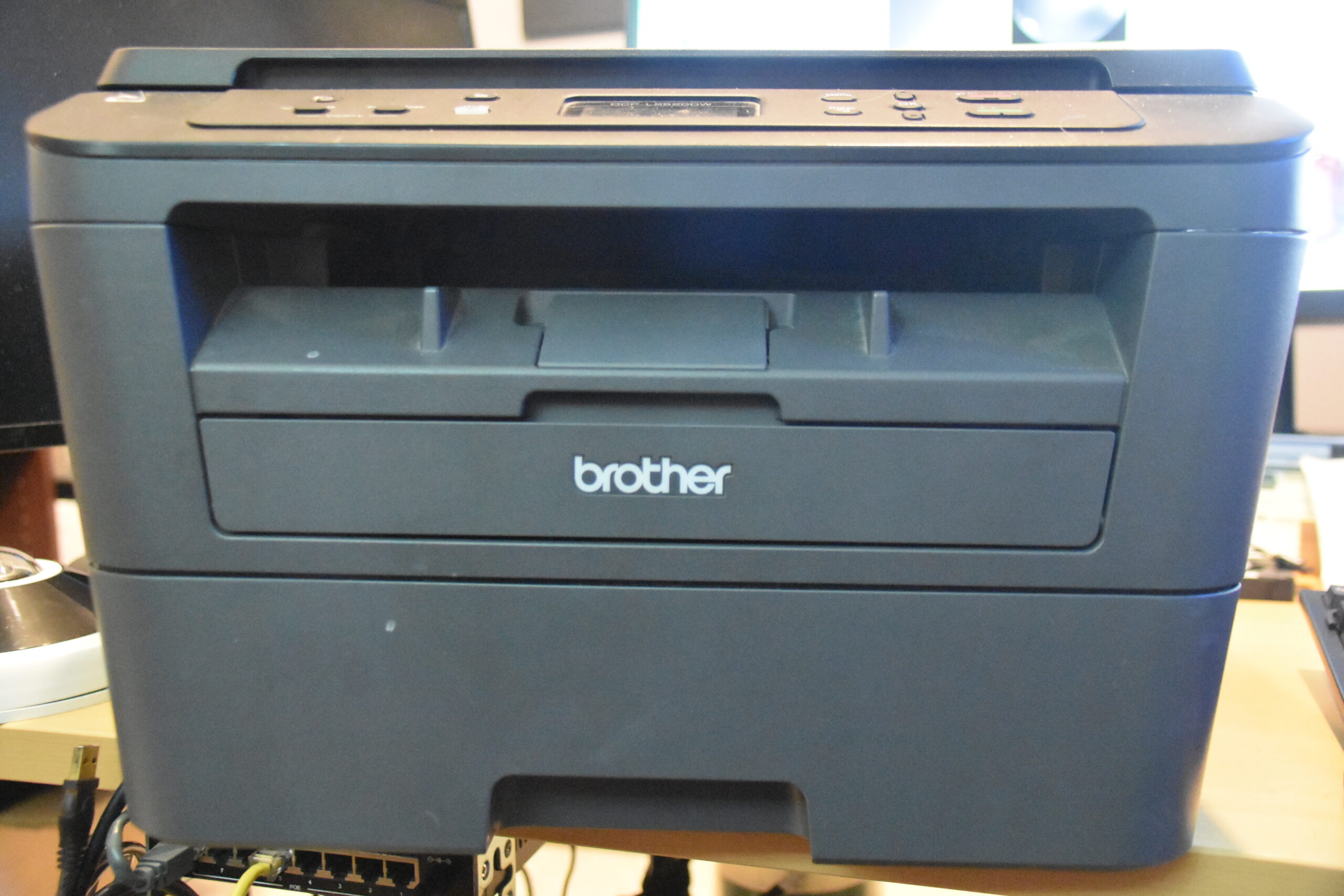
In this case a customer reported that their printer was no longer recognized when the USB cable was connected to their computer. Often this is something addressed by a driver update but it’s always good to check the basics before tearing off in a wrong direction. While there are resolutions that are more common than others, a few moments checking power cables, data cables, etc is rarely time poorly spent. Troubleshooting involves a process of elimination. It’s amazing how often problems are simple and sometimes following a troubleshooting process reveals something else that needs adjusting or correcting.
In this case it was very obvious that the USB cable connection on the printer was at an odd angle and had been damaged. Since the printer wasn’t a mission critical piece of equipment, and the customer was able to live without it for a short while, the printer came back with me to the workbench.
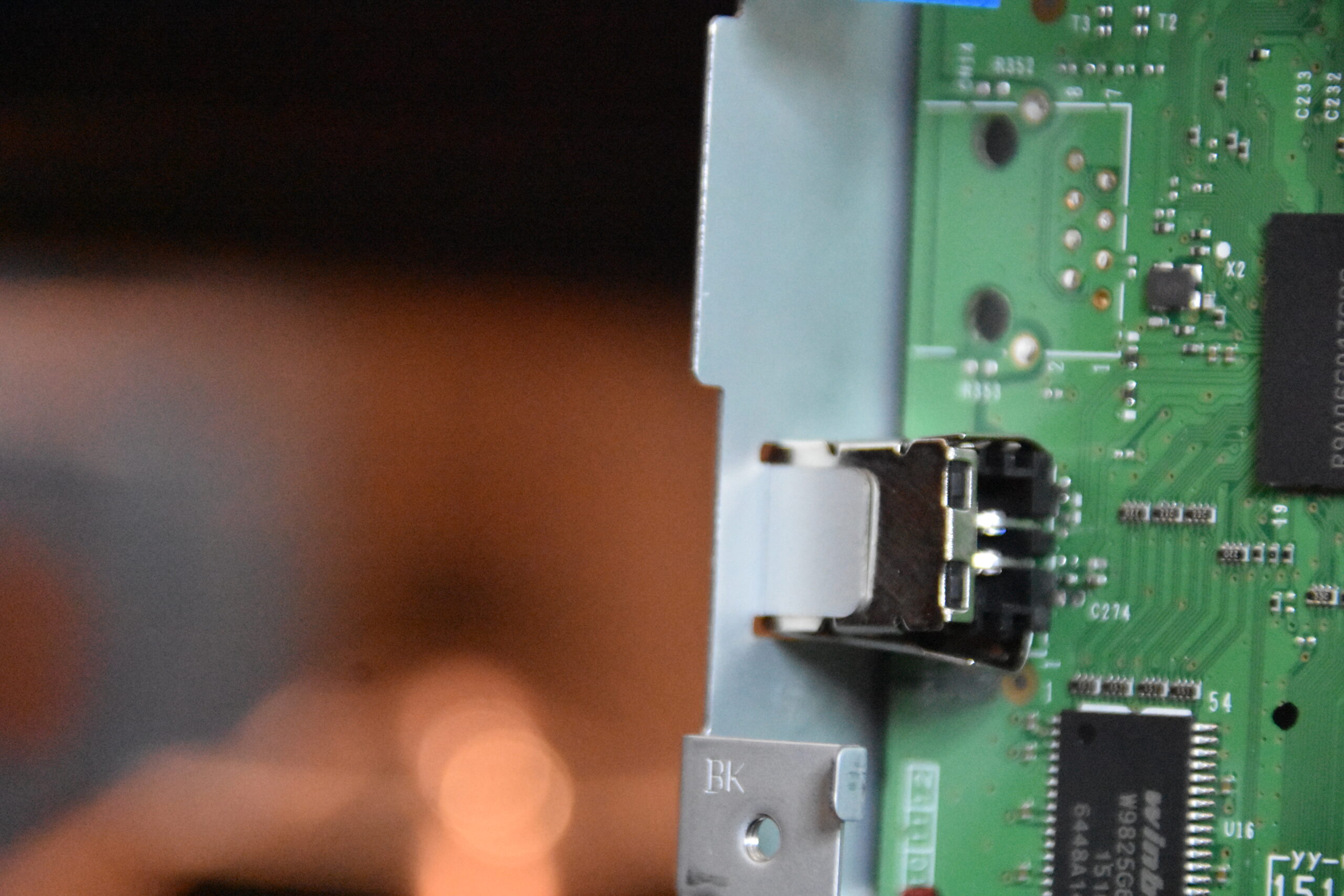
Opening up the case revealed that the damage was not too severe. It was restricted to the USB port and the circuit board itself was undamaged. A USB port of this shape and size wasn’t currently in inventory so the printer sat for a few days while the new part arrived.
The damaged USB port got removed in advance and the solder points cleaned up so that it would be ready to install the new port when it arrived. Strangely, when removing the USB port from the board, there were pins still soldered in the holes. After reaching out to the customer it turned out that the printer had been sold to them as refurbished. Apparently a previous tech had replaced the USB port in the past but failed to clean out the solder holes and just crammed the USB port into the solder holes alongside the ones cut off from the previous port. That seems like it would have been more trouble when doing the repair but at least it’s cleared out and the new port will solder in place easily.
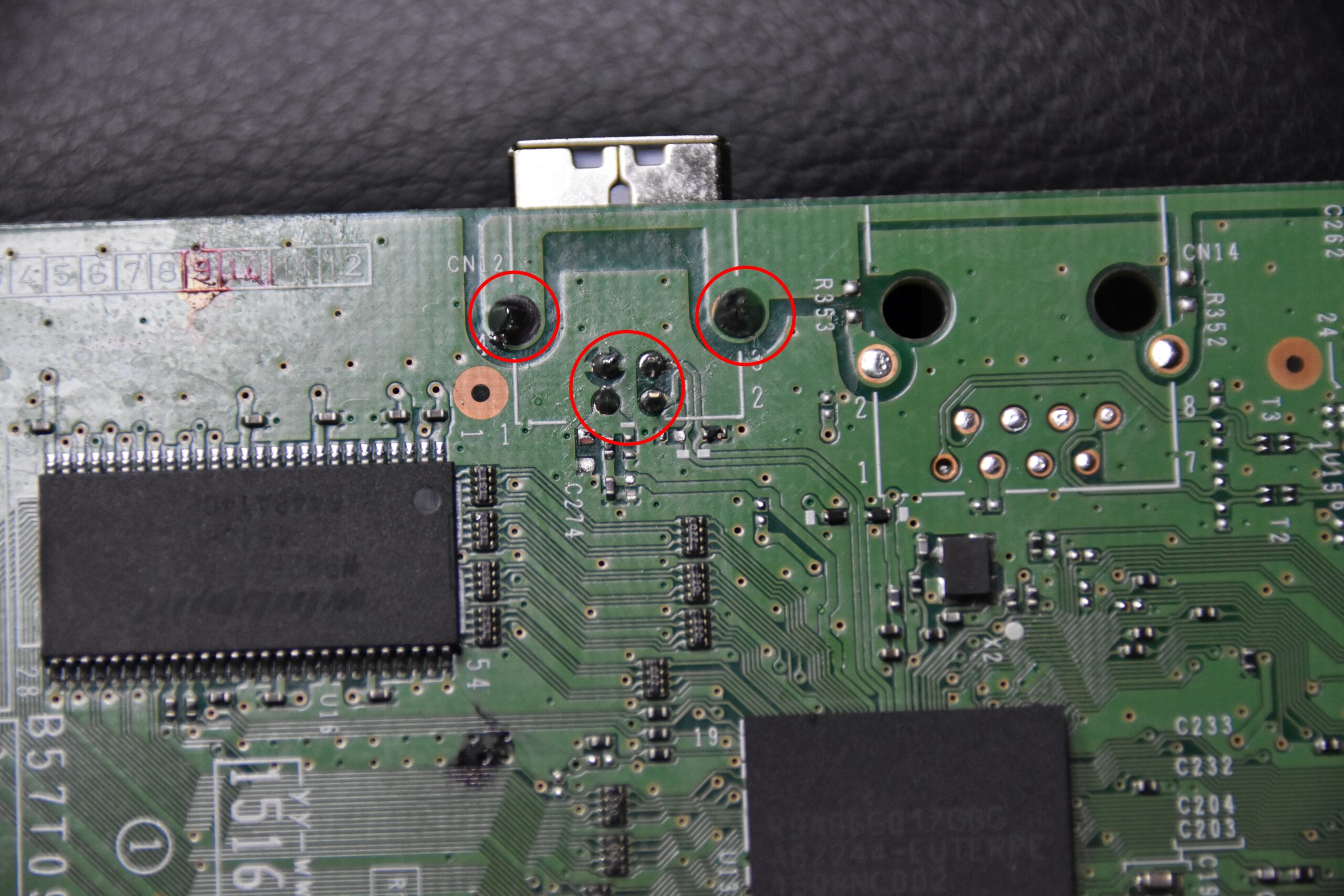
With a new USB port in place the printer connected to the customer’s computer immediately and happily started printing again. While this wasn’t a particularly complex problem it’s still satisfying to see an older piece of equipment continue working rather than take a trip to the recycling centre.